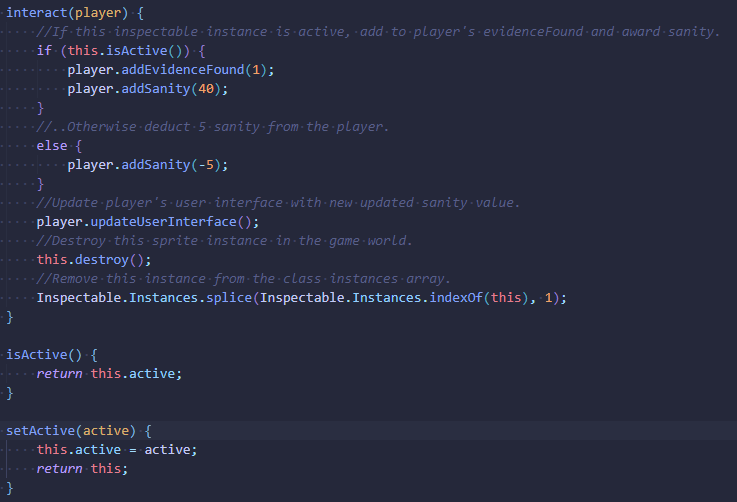
On the agenda for this week, I decided to focus on the next major feature of the game, the inspectable objects. Starting out I created yet another custom sprite class to contain most of the logic.
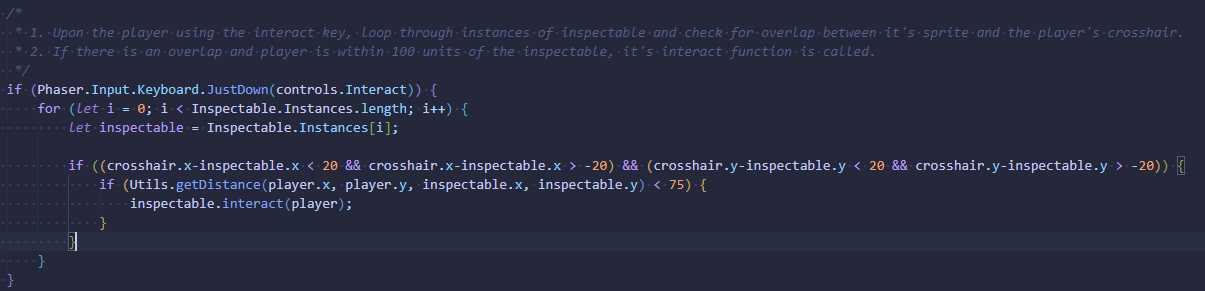
Back in the game’s update function, I then got the interact control key working, using proximity checks rather than an overlap function so that I could have more control over how close the crosshair and the player has to be for an interaction to be successful.
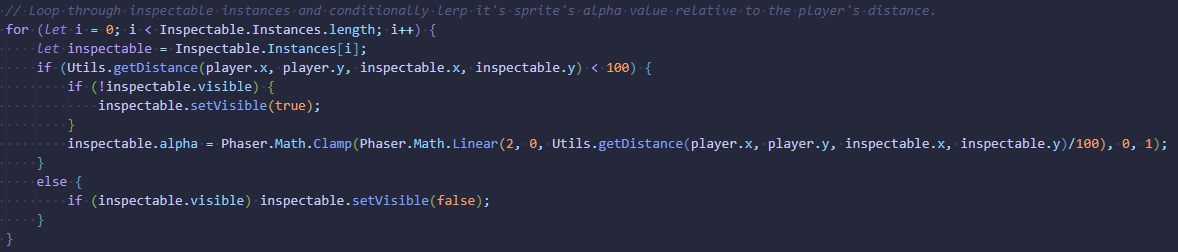
Next up, I wanted the inspectable objects to come in and out of view depending on the player’s proximity to them. To achieve this I implemented a linear interpolation that updated the alpha/opacity value, with A being 0, B being 1 and the player’s distance being used as the alpha once they’re within 100 units.
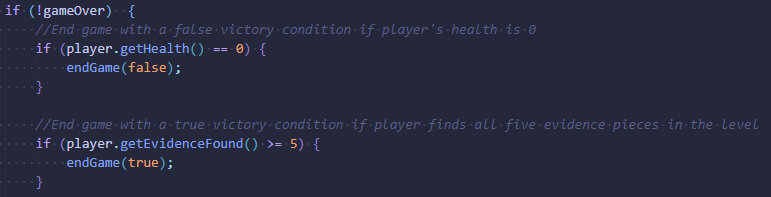
Rounding things out I implemented checks for the win/lose conditions, creating a complete game loop.